Launch Tracker: read launch windows, countdowns, and mission status correctly
A launch schedule is a changing plan, not a list of guaranteed appointments. Launch Tracker puts upcoming launches, launch-site context, recent missions, and source information in one place. Its value is making that changing picture easier to read. The critical skill is distinguishing a planned time from a confirmed event.
In this guide
- Launch Tracker: read launch windows, countdowns, and mission status correctly
- NET, a window, and an exact time are different
- Why a launch date changes
- Use Launch Watch for context, not launch telemetry
- “Successful launch” does not prove the entire mission succeeded
- A practical launch-following workflow
- Questions readers often ask
- Source and scope
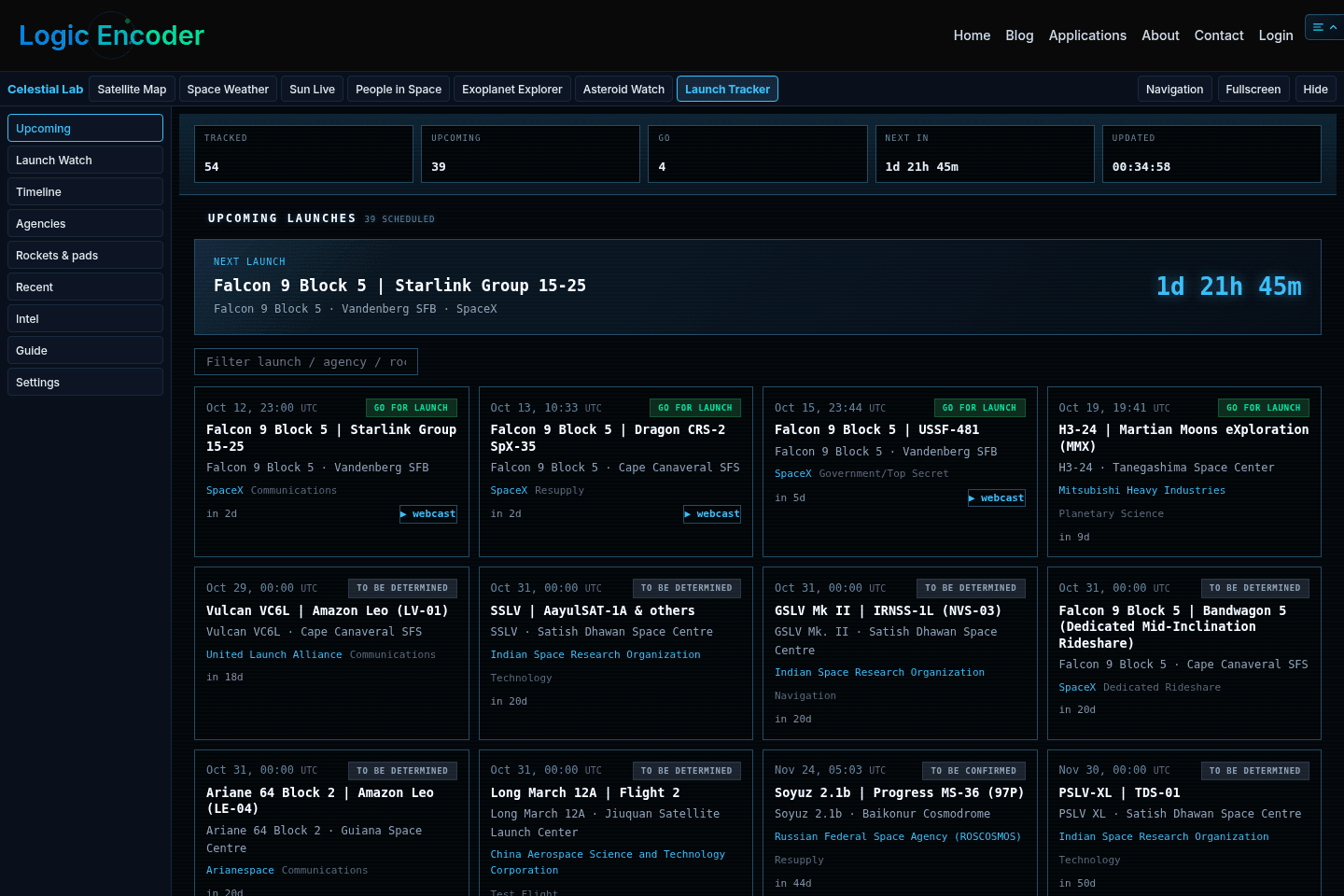
Open Launch Tracker in Celestial Lab. The views are Upcoming, Launch Watch, Timeline, Agencies, Rockets & pads, Recent, Intel, Guide, and Settings. Start with Upcoming for a schedule, then inspect one launch in Launch Watch. Use the other views to understand the source, vehicle, agency, or location rather than treating every launch as an interchangeable countdown.
NET, a window, and an exact time are different
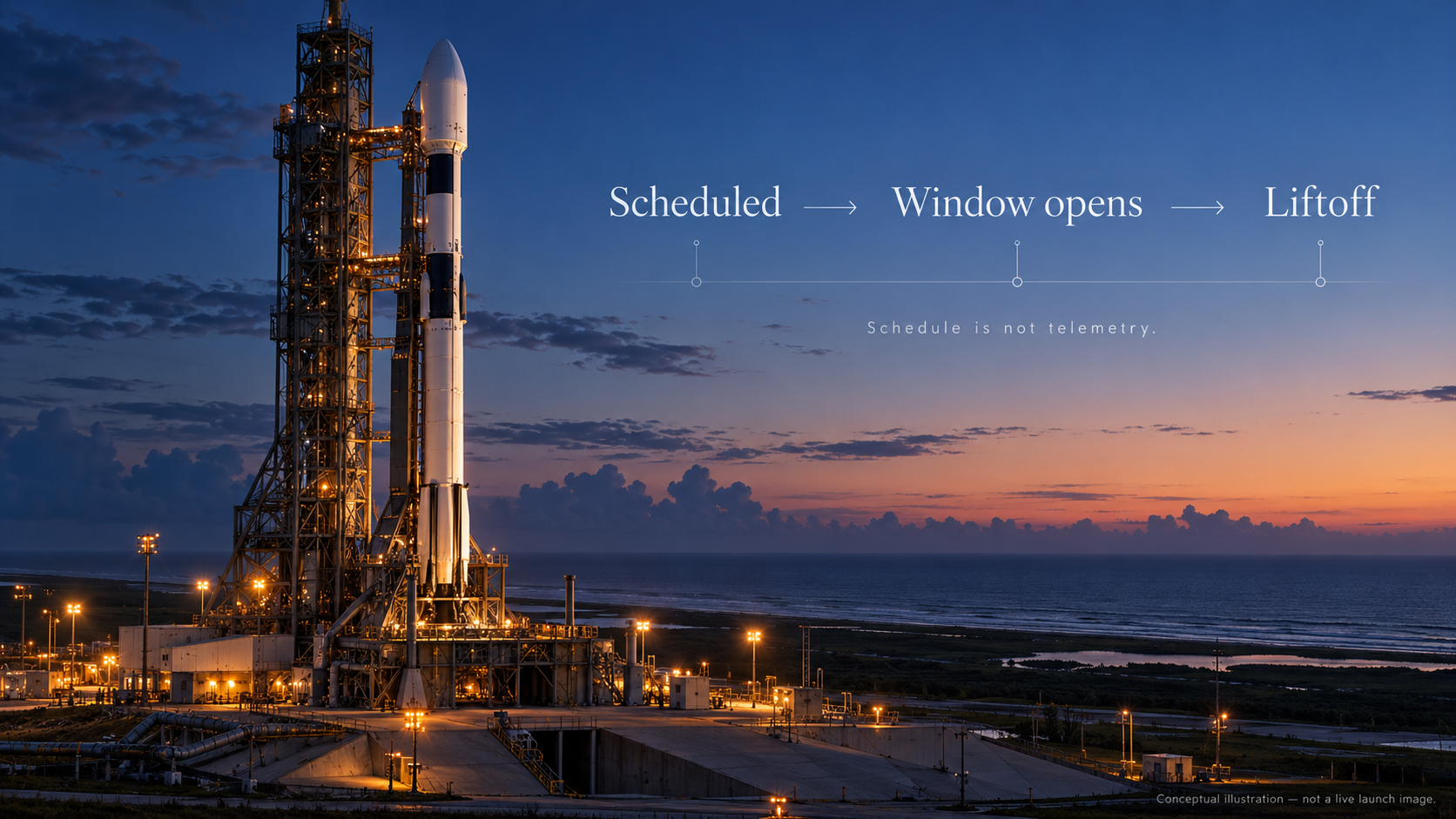
NET means “no earlier than.” It sets a lower bound in the current plan. It does not say that the vehicle will lift off at that moment. A launch window is an interval during which a launch may be possible or planned. A TBD time means the provider has not established the relevant detail.
A countdown can be calculated precisely from an imprecise schedule. Seconds ticking on a web page do not make a NET estimate more certain. If the source only knows a date or a broad window, read the displayed countdown with that precision limit. A date is not necessarily a confirmed local-midnight launch.
| Schedule field | Appropriate reading | Common mistake |
|---|---|---|
| NET | Current earliest planned time | Calling it a guaranteed liftoff time |
| Window start and end | The stated opportunity interval | Treating the entire window as flight duration |
| TBD or uncertain precision | Detail is not yet established | Filling the gap with an invented exact time |
| Countdown | Time until the displayed schedule target | Assuming the ticking clock is telemetry |
Check the displayed timezone before adding a launch to your calendar. A UTC time can fall on a different local date. Keep both the source time and the timezone if you share it with someone elsewhere.
Why a launch date changes
Weather, technical readiness, range constraints, and mission planning can all change a schedule. The public provider’s update may arrive later than an operator announcement. A cached page can be older still. The dashboard’s retrieval time and the source’s schedule detail are therefore both relevant.
Do not assume that a delay is an application error. First check the source age, launch status, and the latest operator statement. Conversely, a smoothly running countdown is not proof that the schedule has been refreshed. A source timestamp is better evidence of freshness than an animated interface.
The list is the set available from the provider and dashboard at the displayed time. It should not be described as a complete guarantee of every launch worldwide. Records with missing details, newly announced missions, and restricted information can limit coverage.
Use Launch Watch for context, not launch telemetry
The launch-site view helps you place a mission geographically. Its map or 3D presentation can explain where a pad is and provide useful visual orientation. A site marker is not a real-time vehicle location, and an illustrative vehicle is not an instrument measurement of the rocket’s trajectory.
Read the mission, rocket, agency, pad, and status together. A provider or operator name can refer to the launch organisation; the payload owner may be different. A rocket family does not identify the exact configuration unless that detail is supplied. When a field is unavailable, keep it unavailable rather than guessing from a similar mission.
Rockets & pads and Agencies are useful for those distinctions. Their grouped views help compare records, but a group count is a count of the visible dataset. It is not automatically a lifetime tally or a forecast of the entire industry’s annual activity.
“Successful launch” does not prove the entire mission succeeded
Launch outcome and mission outcome can be different. A vehicle can deliver a spacecraft successfully while that spacecraft later encounters a problem. A recovery attempt can fail without making payload delivery a failure. Read the actual status definition and mission description rather than turning a single green label into a claim about every stage.
In Recent, compare the recorded status with the event you are researching. If the question is whether an instrument began operating, a launch status alone is insufficient. If the question is whether a booster was recovered, the payload’s orbital status is insufficient. Use an operator or agency announcement for the specific outcome.
A practical launch-following workflow
- Pick a launch in Upcoming and note its source update time.
- Read NET, window, timezone, and time precision before trusting a countdown.
- Open Launch Watch to establish mission and site context.
- Check the operator’s announcement or official stream near the planned time; this dashboard is a schedule viewer, not a launch-control feed.
- After a delay, check the changed status and source age before reporting a new time.
- After launch, distinguish delivery, recovery, and later mission outcomes. Save the actual announcement that supports the claim you make.
This approach makes the dashboard useful both for casual viewing and for researching a mission. You can find the relevant record quickly while preserving the difference between an estimate, an update, and a confirmed event.
Questions readers often ask
Why did the countdown reach zero without a launch?
Its target may have been an estimated time, a window boundary, or a schedule that changed before the provider updated. Check status and the operator’s current announcement.
Does the dashboard cover every launch?
It displays available provider records. Coverage and precision depend on that source; the list is not a universal completeness guarantee.
Can I treat the 3D scene as the rocket’s live position?
No. Use it for site and mission context. Confirmed flight progress needs an appropriate live source.
Why is the date different in another article?
Compare timezones and publication times. A schedule may have shifted after the article was written, or the same UTC event may occur on another local date.
Is a successful launch the same as a completed mission?
No. Identify which event the source status describes and use later mission reports for later outcomes.
Source and scope
The dashboard uses launch records from The Space Devs. Its Launch Library API documentation provides the source context. Counts and schedules should always be accompanied by the snapshot time when quoted; this guide deliberately avoids presenting an undated launch count as a current fact.